How to use the Spotify web player?
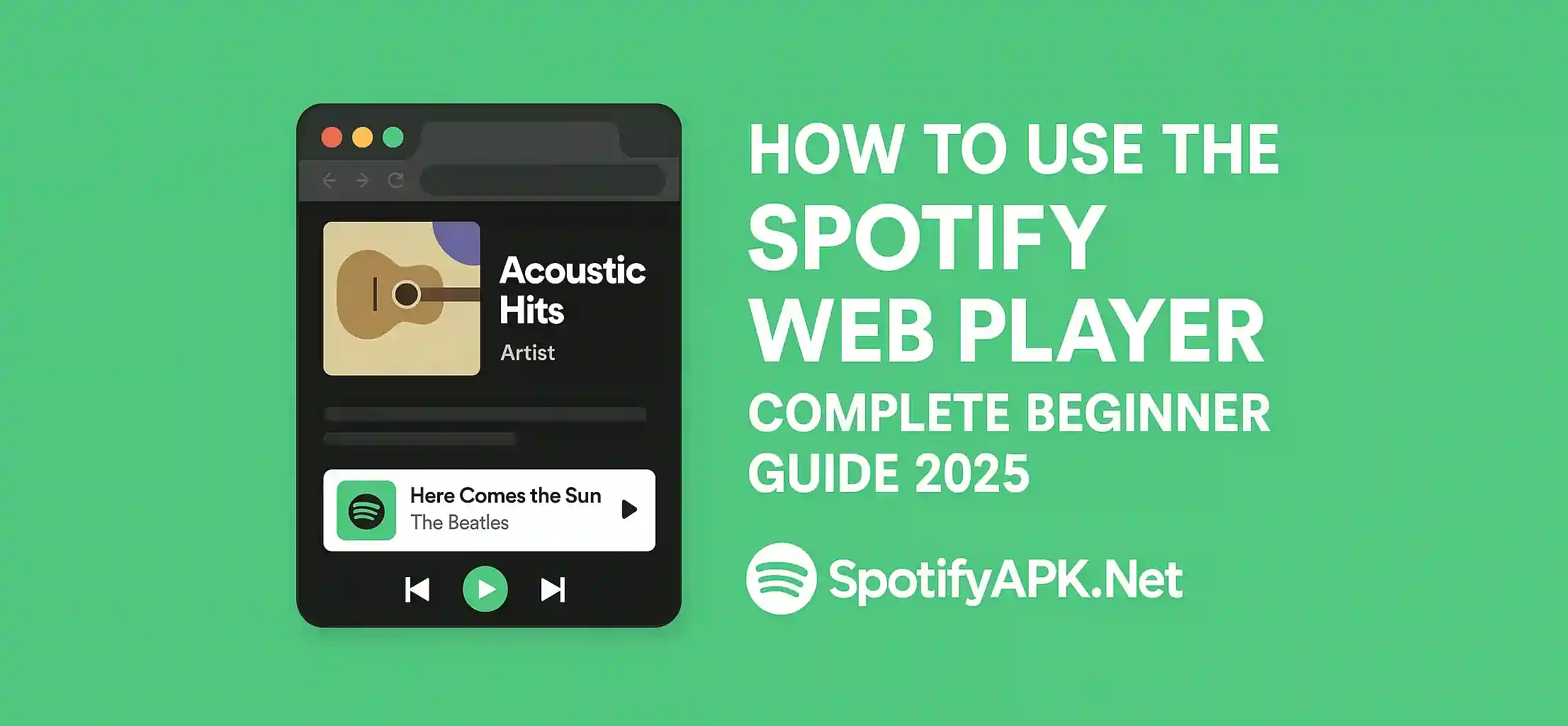
Spotify web player is one of the tools designed by the developers to ease its users. This tool is for users who don’t want an additional application on their phone. If you are one of them but want music for free, this Web Player of Spotify can be the best for you. If you are using this web player, you don’t need to install the application on your device. You can use this player on all your devices. This tool is equally compatible with Android, iOS, and PC or Windows.
What is the Spotify web player?
Spotify web player is a smart version of the application itself. This tool does not need any application to work. Instead, this tool works on your browser in the same way as Spotify does. Through this player, you can perform different operations like in Spotify APK. Some common features of this web player include playing unlimited songs. You can search songs by the name of the artist or song like an APK file. This web player allows you to create and listen to your playlists.
Method to use the Spotify web player
- Open the browser on your device. You can use any browser, such as Google, Microsoft, Safari, or Firefox. Just make sure your browser is updated to the latest version.
- Type open.spotify.com in your browser, and click on the search icon. This link will open the official website of the Spotify web player.
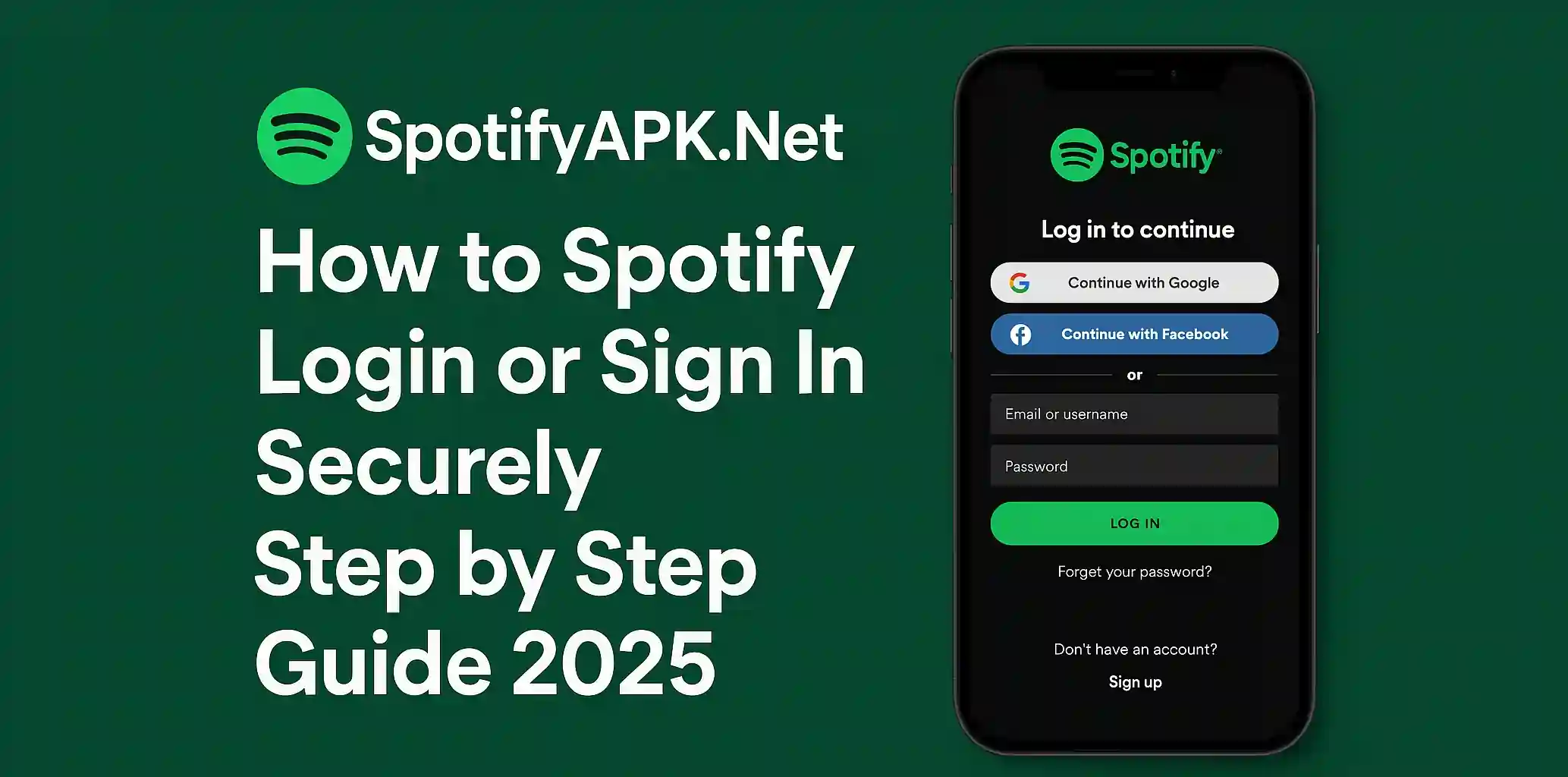
- Now log in to your existing account. If you don’t have a new account, tap on sign up. You will need an email id and a password for account creation. An account can be created on an Apple ID or on a Facebook account.
- After creating your account home page will open.
- On the home page, you can see different options.
- Some popular options are trending albums, recommended songs, podcasts, and many more.
- On the home page, the search option is also present. Here you can search songs by their title, album name, or artist name.
- This web player also allows you to create your plays, just with some easy and simple steps.
- Open the library found on the left menu. Tap to create a playlist, give it a name.
- Now tap on the crate and add songs of your choice.
- In the library, you can pay for your playlist and can find saved music files and listen to them.
Pros of using the Spotify web player
Using the Spotify web player has many benefits. Some of them are listed below:
- You can save your time and internet that you may spend on installing Spotify APK.
- This web player saves a lot of space on your device.
- This player is essential for using your account on any device with ease. As it does not involve an installation process.
- This web player has no compatibility issues at all.
Some common issues of Spotify web player
- If your web player is not playing any music, try to refresh the website. Log out of your account and log in again. If nothing works, try to shift to other rowers.
- If sound is not present, check volume settings or Bluetooth settings.
Read More: Best Alternative of Spotify APK
Final words
Spotify web player is the best option for people who want music without installing any application. This method is a safe, secure, and fast way to enjoy music. For a better experience, use latest version of the browser. Make sure your internet connection is fast. This we player provide you easy search option. This tool is perfect for beginners due to its simple interface.